Before the Cloud: How Gen X IT Learned to Troubleshoot Without Google
Before AI could summarize your logs…
Before Google could hand you 47 troubleshooting articles in 0.3 seconds…
Before someone could ask a chatbot, “Why is my server angry?” and get a beautifully formatted answer…
There was a server room.
There were blinking lights.
There were binders full of documentation.
And there was an IT person standing there thinking:
“Okay… which one of you is lying to me?” 😂
Welcome to the era where many Gen X IT professionals learned their craft.
We didn’t have instant answers. We had experience, troubleshooting skills, and the ability to figure things out when the documentation was missing, outdated, or written by someone who apparently assumed everyone could read their mind. 🤦♀️
Because let’s be honest…
Sometimes the documentation was:
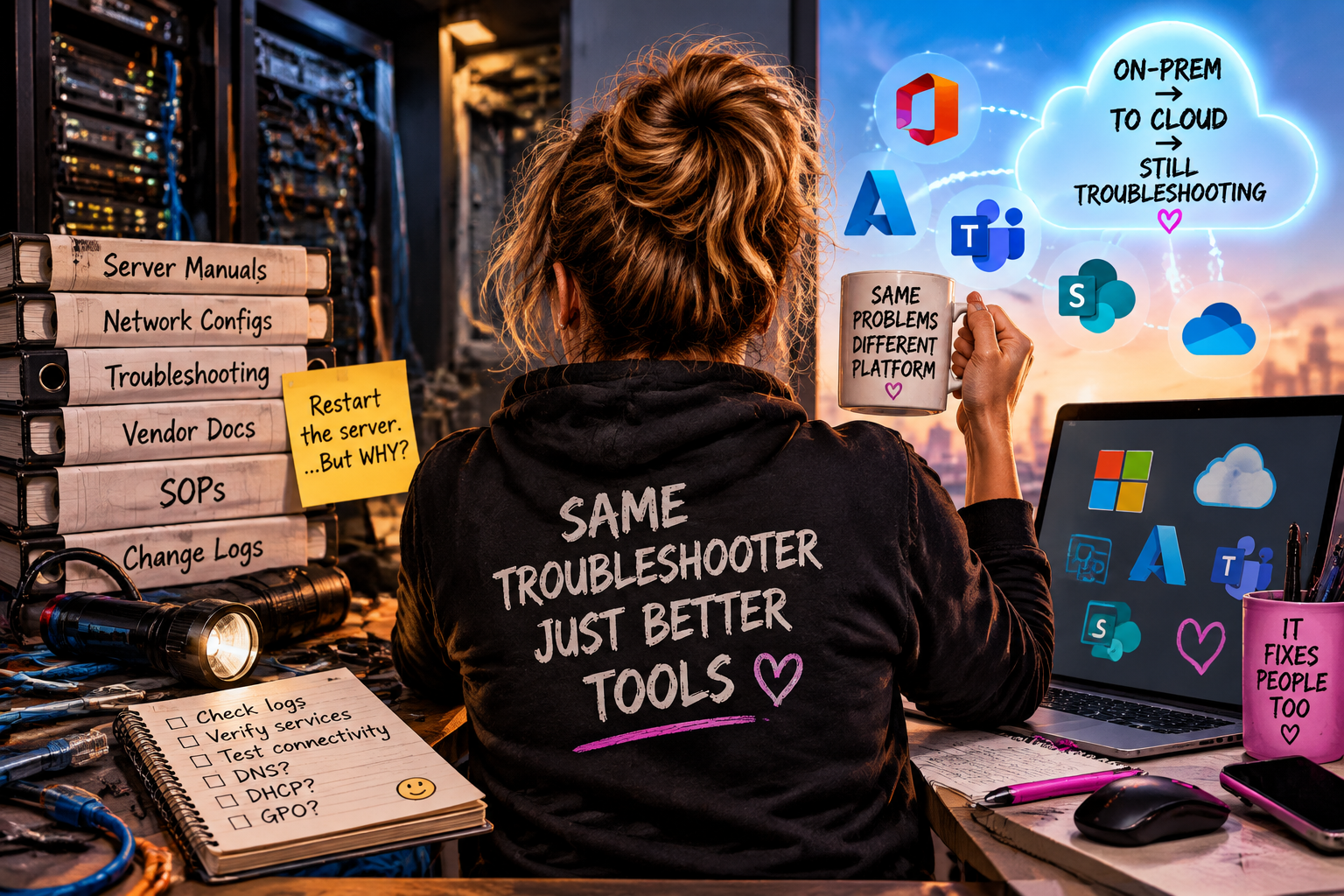
“Restart the server.”
Okay… but WHY?
What service failed?
What dependency broke?
What logs did you check?
What changed before the issue happened?
The real troubleshooting started after the obvious stuff didn’t work.
💾 Before the Cloud, You Had to Know Your Environment
Back then, IT wasn’t just clicking around in a dashboard.
You had to understand how everything connected.
A user says:
“My computer can’t connect.”
That could mean:
🔹 A bad cable
🔹 A failed NIC
🔹 DNS issues
🔹 DHCP problems
🔹 A GPO not applying correctly
🔹 Authentication failures
🔹 A server service that decided today was a great day to stop cooperating 😂
You didn’t just reboot everything and hope for the best.
(Although… let’s be honest, sometimes rebooting was absolutely part of the troubleshooting process. We’re not pretending. 🤣)
You followed the clues.
You checked event logs.
You verified services.
You tested connectivity.
You traced the issue through the environment until you found the actual problem.
Because good troubleshooting isn’t guessing.
It’s investigation.
🛠️ Documentation Was Not Optional
One thing that separated great IT teams from struggling ones was documentation.
Not just:
“Fixed issue.”
That’s not documentation.
That’s a mystery novel with the last chapter ripped out. 😂
Good documentation tells the story:
✔ What happened
✔ Why it happened
✔ What was done to fix it
✔ What steps prevent it from happening again
A good knowledge base wasn’t just a collection of articles.
It was institutional memory.
It was how you prevented the next outage.
It was how the next person didn’t have to spend six hours rediscovering something someone already solved three years ago.
📚 The Manuals Were Heavy… But So Was the Knowledge
Before everything lived online, we had vendor manuals, printed guides, and binders that weighed approximately the same as a small laptop. 😂
Need information?
You searched.
You read.
You tested.
You learned.
And if nobody documented what happened before?
Congratulations.
You were now the documentation. 🎉
That experience built something that is still valuable today.
The tools have changed.
The fundamentals haven’t.
☁️ The Cloud Changed the Tools, Not the Troubleshooting
Today we have amazing platforms:
Microsoft 365.
Azure.
Intune.
SharePoint Online.
PowerShell.
Automation.
AI assistants.
The toolbox is bigger than ever.
But the ability to troubleshoot is still the same.
A cloud environment can still have:
🔹 Authentication issues
🔹 Permission problems
🔹 Configuration drift
🔹 Security policy conflicts
🔹 Network